Fast booking for students and lecturers
Schedule academic consultations without the back-and-forth.
Book slots, manage availability, and keep appointments moving.
Mobile-friendly
Real-time booking
Role-based dashboards
Status tracking
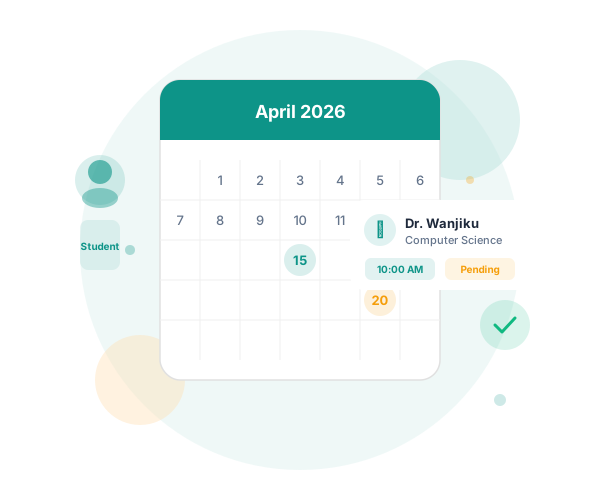
At a glance
1
shared sign in
24/7
open slots
3
user roles
0
manual steps
Workflow
- Create your account
- Choose a role-specific workspace
- Book, approve, or adjust appointments
- Track status and notes in real time
Built for campus use
One place for booking and availability
Students book faster. Lecturers respond faster.
Student view
Find
Search and book.
Lecturer view
Review
Review and respond.
Operations
Track
Keep appointments visible.
Support
Help
Support when needed.
Highlights
Built around the core tasks.
Less friction for booking, reviewing, and managing slots.
Students
Faster booking decisions
Browse lecturers, book slots, and track updates.
- Search and filter lecturer options
- Track pending and approved requests
- See notes and next steps clearly

Lecturers
Focused review workflow
Create slots and respond to requests.
- Approve or reject with structured notes
- Manage slots from a single panel
- See what needs attention first

Administrators
Operational clarity
Monitor users and appointment activity.
- Audit platform activity and user growth
- Identify bottlenecks in request handling
- Support users with fewer manual handoffs
Quick flow
From sign up to confirmed appointment.
Four steps, no extra process.
1
Choose your role
Sign in or create an account.
2
Find or publish availability
Browse lecturers or publish slots.
3
Submit the request
Send the request.
4
Confirm and follow through
Approve, track, and continue.
Ready to start
Choose a role and continue.
Use one entry point for students and lecturers.
- One shared sign in
- Mobile-friendly layout
- Clear next actions
Start here
Pick your role and continue.
Support
Need help?
- Email: appointments-support@university.example
- ICT help desk: +254 700 000 000
- Support hours: Monday to Friday, 8:00 AM to 5:00 PM
Trust and privacy
Secure access
Authenticated access with role-based data controls.
Authenticated access only
Role-based data controls